

OmniFlow - Windows Automation
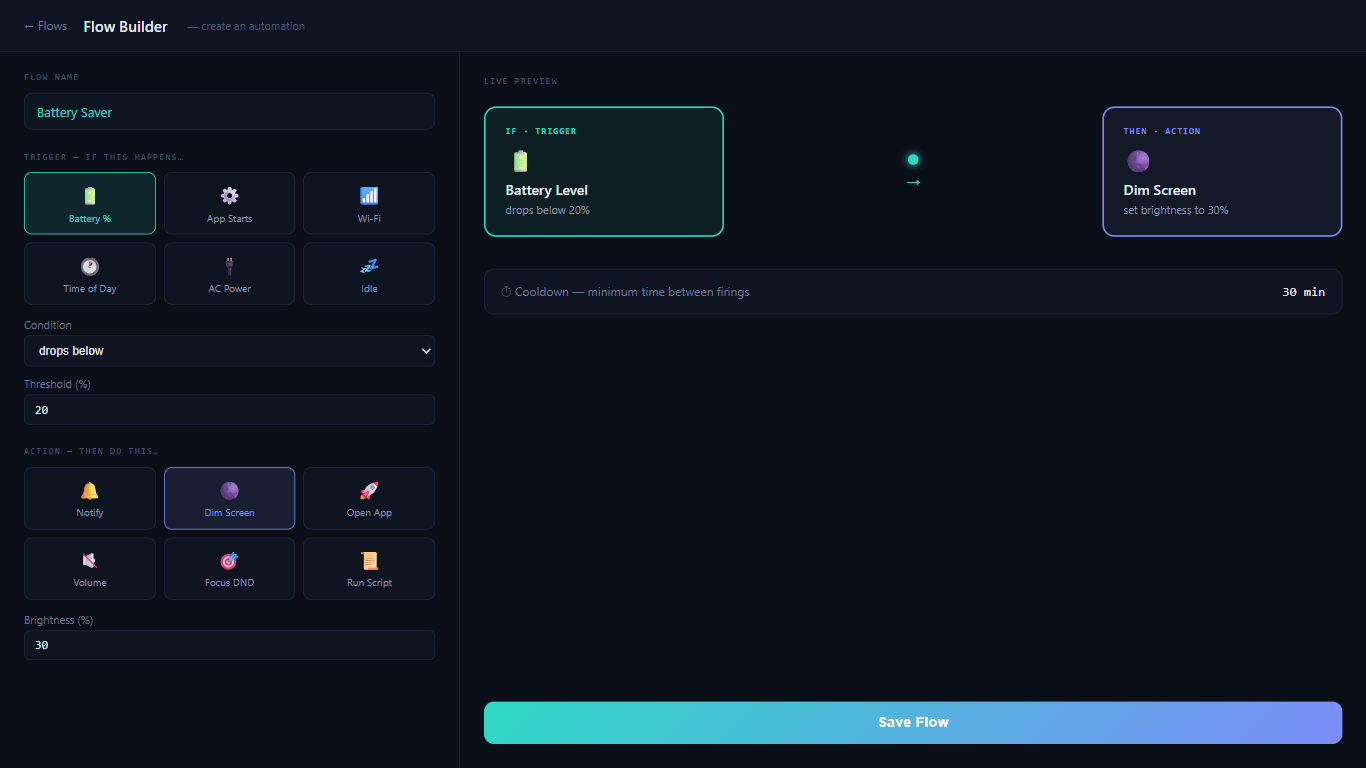
Windows automation with simple IF → THEN flows. No coding needed.
About OmniFlow - Windows Automation
OmniFlow turns Windows into your personal automation engine — no coding required.
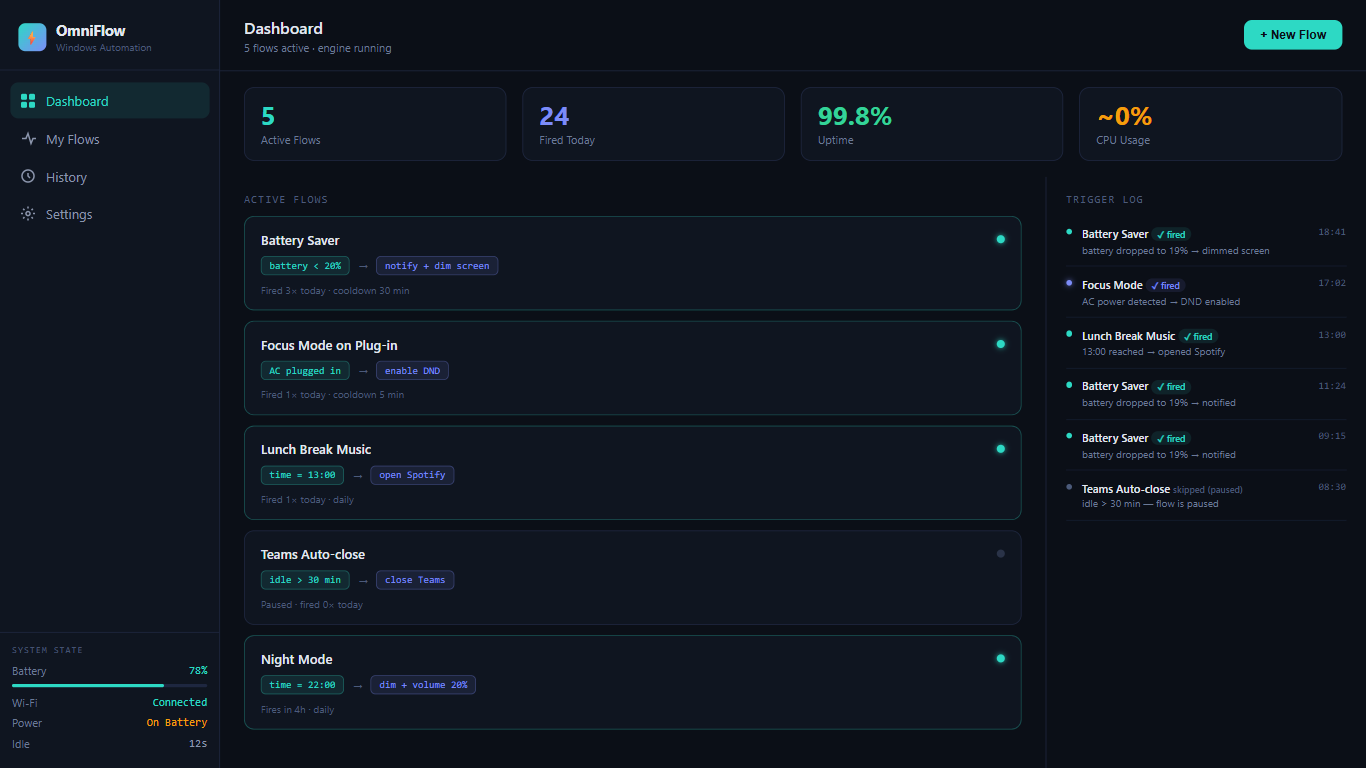
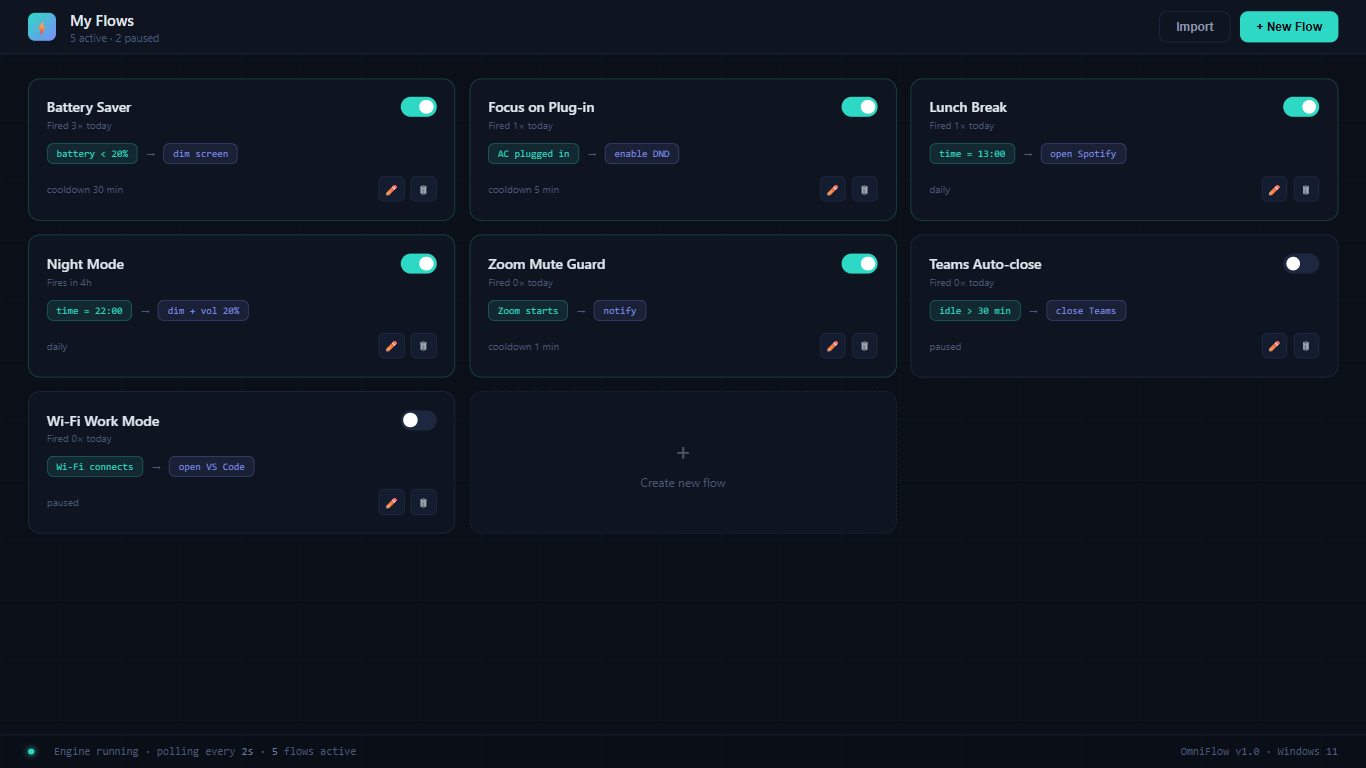
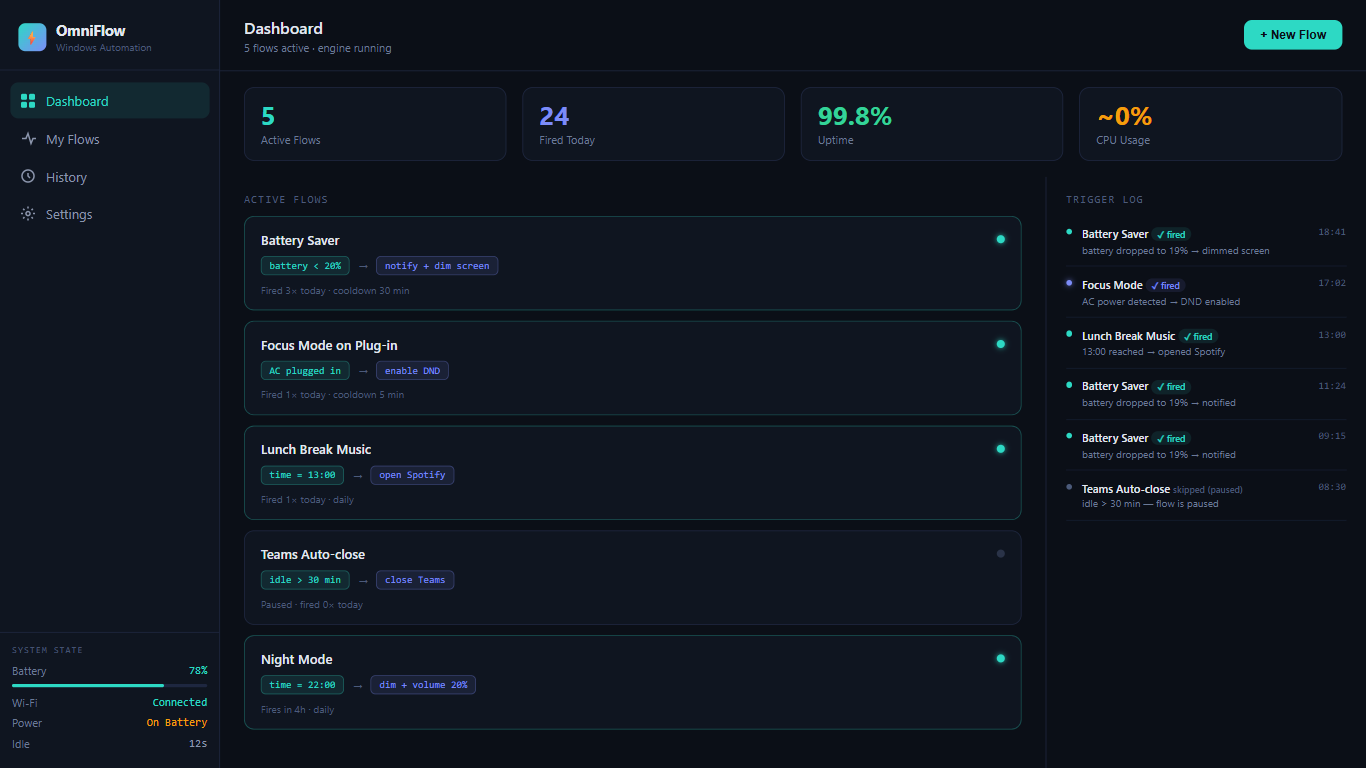
Build simple IF → THEN rules called "flows" to let your PC react to what's happening around you: • Battery drops below 20%? Auto-dim the screen. • Charger plugged in? Enable Do Not Disturb. • It's 10 PM? Lower volume and switch to dark mode. • Zoom starts? Show a reminder to check your mic. • Idle for 30 minutes? Close background apps.
OmniFlow watches system conditions in real time — battery level, power status, time of day, idle time, Wi-Fi connection, and running apps — and fires your flows automatically.
Everything runs 100% locally on your device. No cloud, no subscriptions, no account required. Just set your flows once and let OmniFlow handle the rest.
Try it free for 1 day, then unlock all features for a one-time purchase of $3.99.
Build or customize